Advisor: Your Go-To Presentation Template
Meet the Presentation Template - Advisor, a versatile and meticulously crafted design solution that caters to a wide array of professional and personal needs. Whether you're a creative agency, a startup, or an individual looking to showcase your portfolio, Advisor is designed to make your presentations stand out.
Visual Characteristics and Style
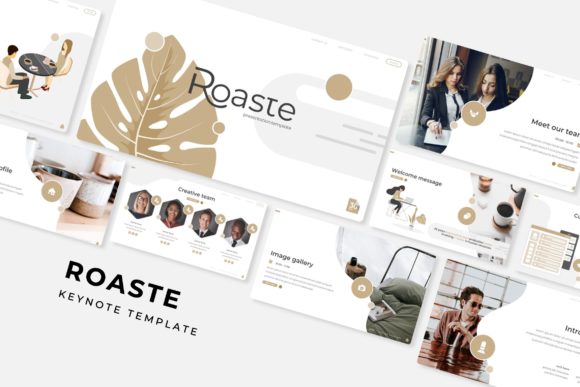
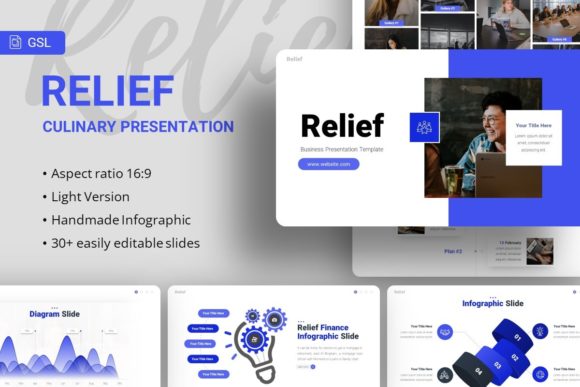
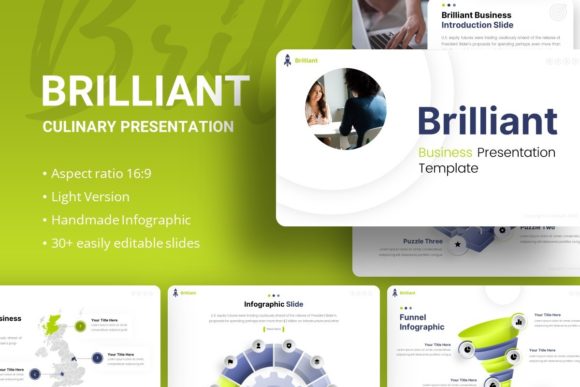
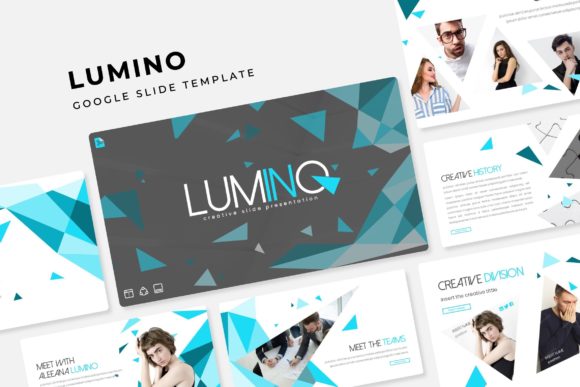
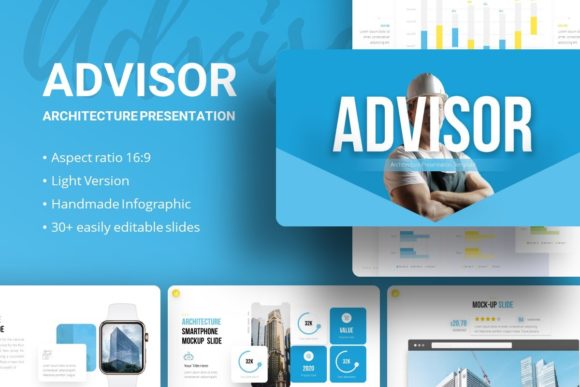
The Advisor template boasts a clean, modern aesthetic with 35 slides that are easy to customize. Each slide is based on master slides, ensuring consistency and a polished look throughout your presentation. The handcrafted infographics and pixel-perfect illustrations add a touch of sophistication, making it perfect for high-stakes pitches and corporate settings.
One of the standout features of Advisor is its flexibility. The template includes picture placeholders, allowing you to simply drag and drop your images. All graphics are resizable and editable, giving you the freedom to tailor each slide to your specific needs. This makes it an ideal choice for those who want a professional yet personalized presentation.
Practical Applications Across Various Projects
The Presentation Template - Advisor is not just a one-trick pony. It's designed to be a versatile tool that can be used in a variety of contexts. For creative agencies, the template offers a sleek and modern look that can impress clients and stakeholders. For startups, it provides a professional and engaging way to present business plans and pitch decks. And for individuals, it's a fantastic way to create a visually appealing personal portfolio.
- Creative Agency: Use Advisor to present project proposals, case studies, and client testimonials. The clean, modern design will help you stand out and make a lasting impression.
- Company Profile: Showcase your company's history, values, and achievements with the Advisor template. The consistent and professional look will help build trust and credibility.
- Corporate and Business: Present financial reports, strategic plans, and market analyses. The template's clear and organized layout makes it easy to convey complex information effectively.
- Portfolio and Photography: Highlight your best work with the Advisor template. The picture placeholders and editable graphics allow you to create a visually stunning portfolio that showcases your skills and creativity.
- Personal Portfolio: Create a compelling personal brand with the Advisor template. Use it to present your resume, projects, and achievements in a professional and engaging way.
Enhancing Readability and Engagement
One of the key strengths of the Presentation Template - Advisor is its ability to enhance readability and engagement. The carefully chosen fonts and well-structured layouts make it easy for your audience to follow along and stay engaged. The use of modern typography and typefaces ensures that your content is both visually appealing and easy to read.
When it comes to choosing the right font, consider the tone and style of your presentation. The Advisor template includes a range of font options, from clean sans serifs to elegant serifs. These fonts can be used to establish a visual hierarchy, making important information stand out and guiding the viewer's eye through the content.
For example, using a bold sans serif for headings and a more subtle serif for body text can create a clear distinction and improve overall readability. Additionally, the template's vector icons and other design assets can be used to add visual interest and break up text-heavy sections, keeping your audience engaged.
Commercial Licensing and Practical Guidance
When it comes to commercial use, the Presentation Template - Advisor is a reliable choice. The template comes with a documentation file that outlines the licensing terms, ensuring that you can use it for both personal and commercial projects without any legal concerns.
Here are some practical tips for using the Advisor template effectively:
- Evaluate Project Fit: Before diving into customization, take a moment to assess whether the template aligns with your project's goals and style. Consider the tone, audience, and purpose of your presentation.
- Test Font Pairings: Experiment with different font combinations to find the one that best suits your content. The Advisor template includes a variety of font options, so try out different pairings to see what works best.
- Review Included Styles: Familiarize yourself with the various styles and elements included in the template. This will help you make the most of the available design assets and create a cohesive and professional presentation.
- Readability Considerations: Prioritize readability by using appropriate font sizes, line spacing, and color contrasts. The Advisor template is designed with these considerations in mind, but it's always good to double-check and make adjustments as needed.
- Commercial Licensing: Review the documentation file to understand the licensing terms. This will ensure that you can use the template for your intended purpose without any legal issues.
In conclusion, the Presentation Template - Advisor is a powerful and flexible tool that can elevate your presentations to the next level. With its modern design, customizable features, and wide range of applications, it's an excellent choice for anyone looking to create a professional and engaging presentation. Give it a try and see how it can transform your next project.